Recommended Gear for Course Creators
Gear for Course Creators
Creating a high-quality online course isn’t just about great content — it’s about clarity, sound, and presence. Students will forgive the occasional pause or stumble, but not fuzzy video or muffled audio. The good news? You don’t need a studio or a massive budget to look and sound professional.
Every product below is one we’ve personally tested, used, and loved. These are real-world tools that make course creation simpler, not harder — so you can focus on teaching with confidence instead of troubleshooting gear.
How to Choose What You Really Need
These are the tools we recommend because they’re the ones we rely on ourselves. They’ve survived years of recording, teaching, and travel — and they’re simple enough for any creator to use confidently.
Start small. Begin with the one upgrade that will make the biggest difference for you — usually sound or lighting. Then build gradually.
Ask yourself:
We’ve learned through experience that clarity beats complexity. A clean, well-lit setup and a solid mic can take you farther than any expensive gear ever could.
💡 Budget Tip: Many of these items are available in affordable bundles or certified refurbished options on Amazon. Always double-check compatibility before you buy. Use the printable checklist below to prioritize your needs.
Gear Worksheet
Use this worksheet below to plan your gear setup. Choose the tools that fit your space, budget, and teaching style.
Step 1: Define Your Setup Needs
Where will you record most often?
☐ Home office – Ideal for consistency. Focus on lighting and a clutter-free backdrop.
☐ Shared space – Use headphones and directional microphones to cut background noise.
☐ Travel setup – Keep gear light and compact (webcam, clip-on mic, ring light).
☐ Studio – Invest in stable lighting, soundproofing, and cable organization.
What’s your typical course format?
☐ Live lessons – Prioritize fast, reliable internet and clear audio.
☐ Pre-recorded video – Focus on lighting, camera quality, and editing tools.
☐ Hybrid (both) – Balance flexibility: quality webcam, solid mic, and dependable lighting.
Available space for recording:
☐ Small desk – Use compact lighting (Lume Cube) and a flexible tripod.
☐ Dedicated room – Add acoustic panels or curtains for clean sound.
☐ Flexible / mobile – Choose portable tools that set up quickly and pack easily.
Lighting conditions in your space:
☐ Bright natural light – Use sheer curtains to soften glare and control brightness.
☐ Moderate – Add one adjustable key light for balance and color consistency.
☐ Low / artificial only – Invest in two soft, adjustable LED panels for even lighting.
Step 2: Plan Your Core Gear
(List what you already have and what you want to upgrade next.)
|
Category |
Priority |
Notes |
|
Video |
||
|
Audio |
||
|
Productivity |
Step 3: Evaluate Fit
How does your current setup feel?
☐ Comfortable ☐ Needs minor upgrades ☐ Needs full refresh
Biggest challenge in your current setup:
Top 3 priorities for improvement:
Step 4: Budget Snapshot
Set a realistic budget and timeline for upgrades.
|
Item |
Est. Cost |
Priority |
There’s no single “perfect” setup for everyone, only the one that works best for you. Start lean, upgrade as you grow, and trust the process. We’ve learned through experience that simplicity beats complexity every time. Choose tools that make creation feel easier, not harder, and you’ll stay consistent, confident, and ready to teach with impact.
Free Course Planner
plan, launch and scale
Get our printable Course Planner free today via Email.
Video Equipment
Show Up Like a Pro
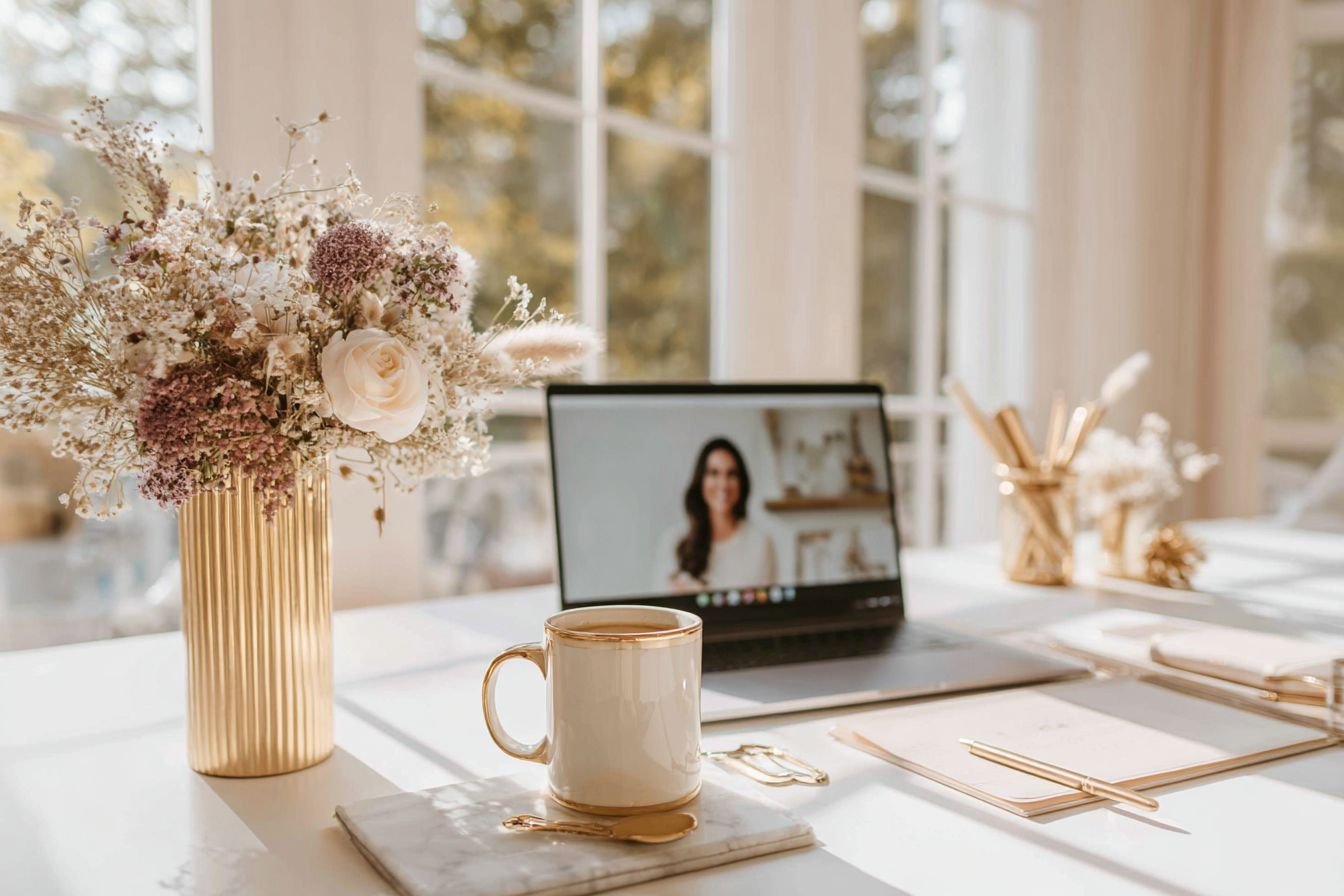
A clear, well-lit video builds credibility the moment you appear on screen. Your students connect faster when they can see you clearly and read your expressions. We’ve tested every setup imaginable — from small desk studios to mobile teaching spaces — and these are the tools we trust for consistently professional results.
Logitech MX Brio Webcam
Professional-grade 4K video in a plug-and-play setup. It adapts automatically to lighting changes and keeps your image sharp across any online learning platform. We love it because it just works — no tweaking, no learning curve, just clear, crisp visuals every time you record.
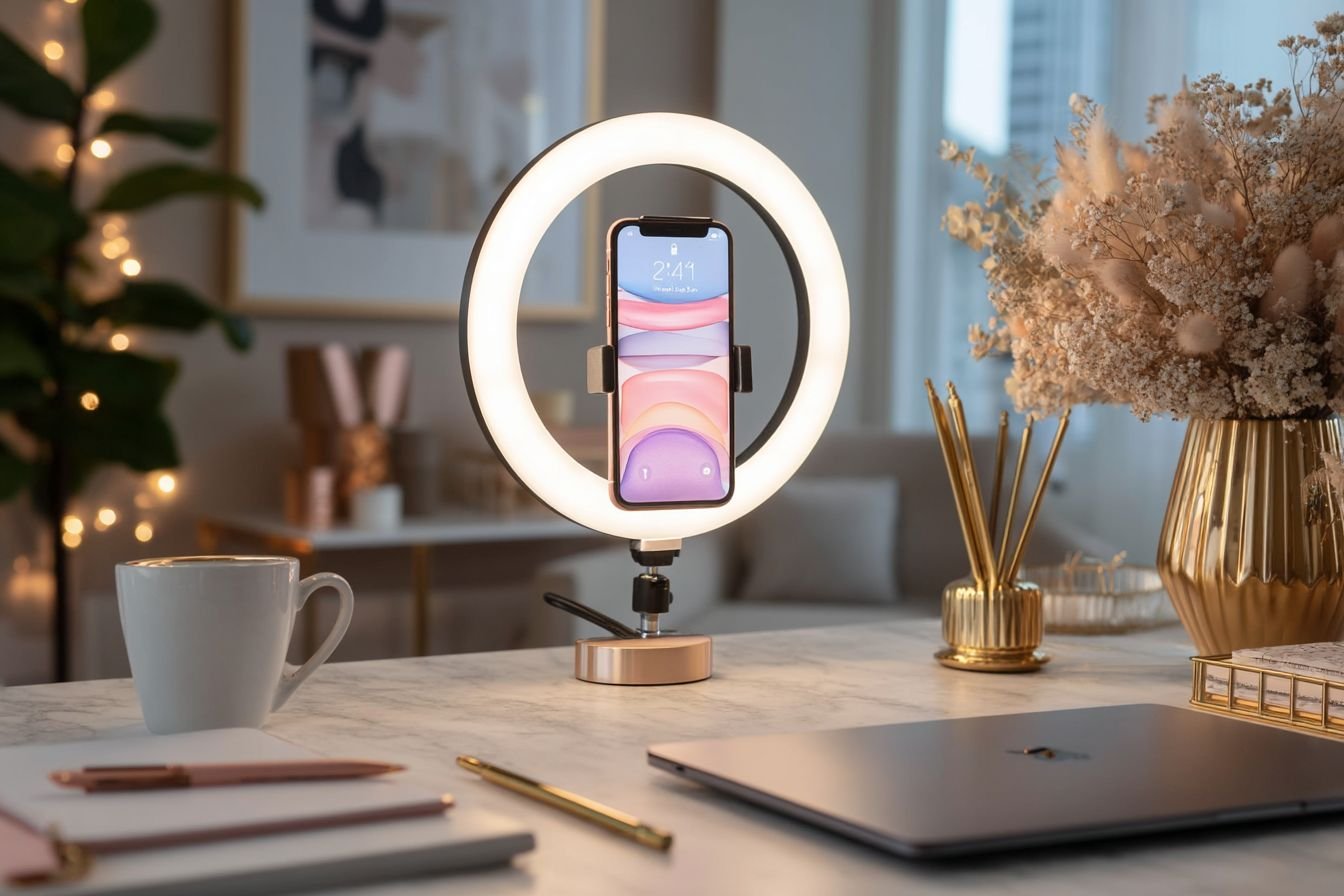
Ring Light Kit
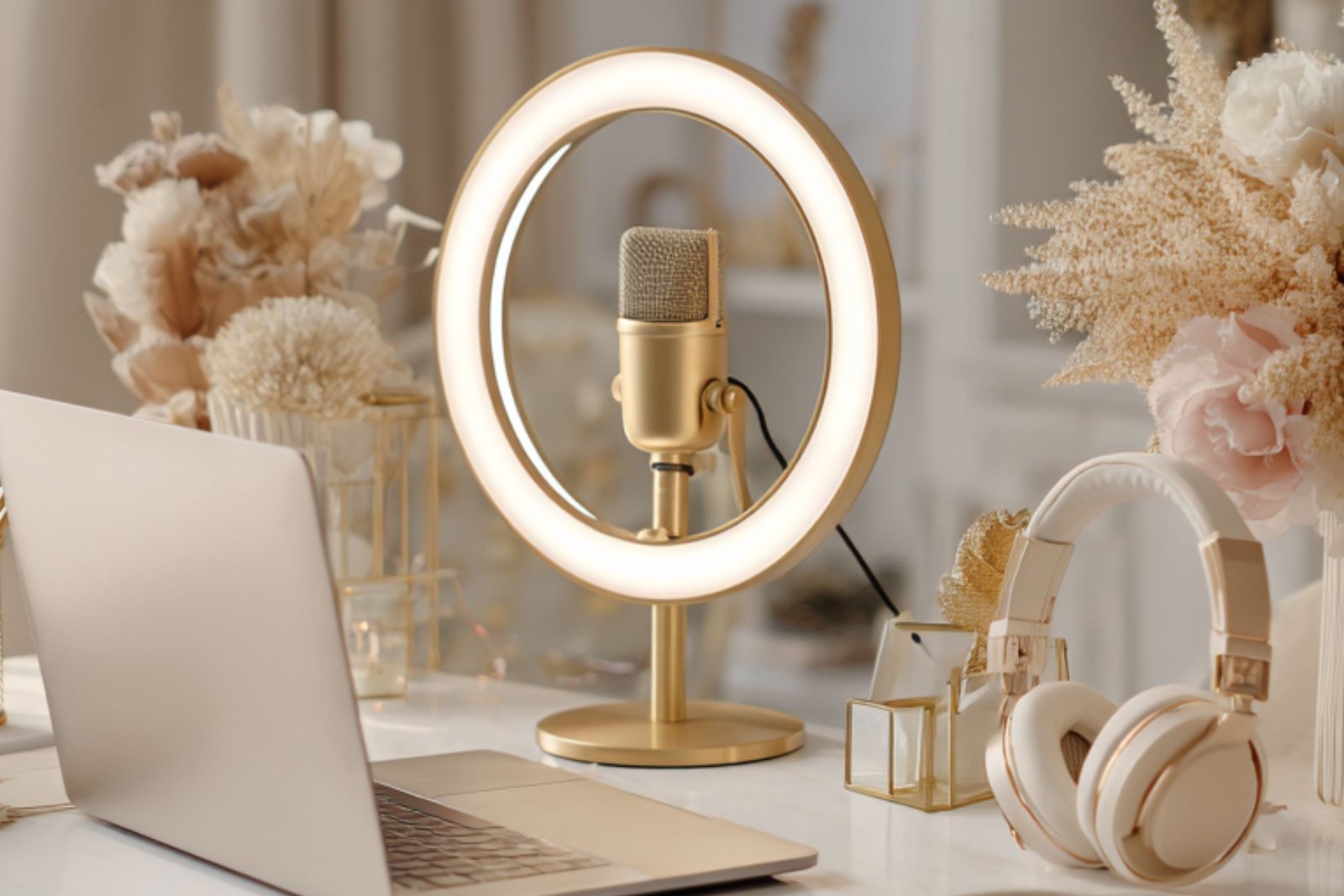
Lighting changes everything. This adjustable LED ring light softens shadows, brightens your face evenly, and instantly upgrades your on-camera presence. It’s compact enough for home offices and powerful enough for professional use. We use it in nearly all our tutorials for its flattering, natural light.
Elgato Wave Mic Arm (Low Profile)
A stable, flexible mount that keeps your microphone steady and out of frame. It moves quietly, locks securely, and stays where you position it — ideal for tight workspaces and multi-camera setups.
Samsung Portable SSD (2TB)
Your video projects deserve fast, reliable storage. This SSD saves, transfers, and edits large files in seconds. We trust it during every production session because it keeps projects backed up and secure.
💡 Pro Tip: Lighting matters more than the camera. A well-lit space can make even a mid-range webcam look cinematic.
You don’t need a studio to look professional — just the right combination of camera, lighting, and support gear. These are the same tools we use every day to record courses, tutorials, and workshops. Simple to use, space-efficient, and creator-approved.
tech gear
Course Creator Shop
Proven tech and tools to help you create and manage your online courses with ease. Check out our favorites here!
Audio Equipment
Sound Like the Expert You Are
If your students can’t hear you clearly, they’ll tune out — even if your content is great. Audio is what keeps learners engaged and focused. We’ve tested dozens of setups, and these are the pieces that consistently deliver clean, professional sound with minimal setup time.
Shure USB Microphone
Rich, natural sound made simple. This mic plugs directly into your computer and instantly upgrades your audio quality. Whether you’re recording lessons or hosting a live call, your voice stays clear and confident.
Studio Headphones
Precision sound you can trust. These professional-grade headphones let you hear every detail while editing or monitoring recordings. They’re comfortable enough for long sessions and tuned for balanced, accurate playback.
APC Battery Backup
Protect your gear and your work. A sudden outage can destroy hours of progress — this UPS gives you the backup power to save everything safely. It also stabilizes your current so your mic and interface always perform at their best.
💡 Pro Tip: If you only upgrade one part of your setup, make it your microphone. Clear, confident sound instantly elevates your authority.
Professional-grade audio doesn’t have to be complicated. Each piece here has been tested in real teaching and recording environments. They work reliably, integrate easily, and make your voice sound exactly as it should — clear, strong, and ready to teach.
Final Thoughts
Every recommendation here comes from real-world use — the products we’ve tested, loved, and trusted to simplify course creation. You don’t need a professional studio to make an impact. You just need a setup that supports your focus and makes your lessons shine.
Start with what matters most. Clear sound, balanced light, and a comfortable space. From there, every upgrade becomes a step toward smoother lessons and more confident teaching.
Before you invest, grab your free Course Planner below to align your tools with your course goals. Then explore the Platform Directory for verified hosting platforms that pair seamlessly with your setup.
Because when you build your environment with intention, every lesson feels easier — and every student feels closer to you.