Showing 1–16 of 20 results
-

$999.00
Fast, quiet, and built for creators. The 2025 MacBook Air with the M4 chip turns long editing sessions into smooth, effortless work. We use this exact model daily and recommend it for anyone ready to create, teach, and scale without limits.
- 15.3-inch Liquid Retina display with stunning color accuracy
- Up to 18 hours of battery for full-day productivity
- Apple M4 chip for seamless multitasking and editing
- 16GB unified memory and 256GB SSD
- Lightweight design with MagSafe charging and six-speaker Spatial Audio
If you want power, reliability, and a setup trusted by real course builders, this MacBook delivers every time.
-
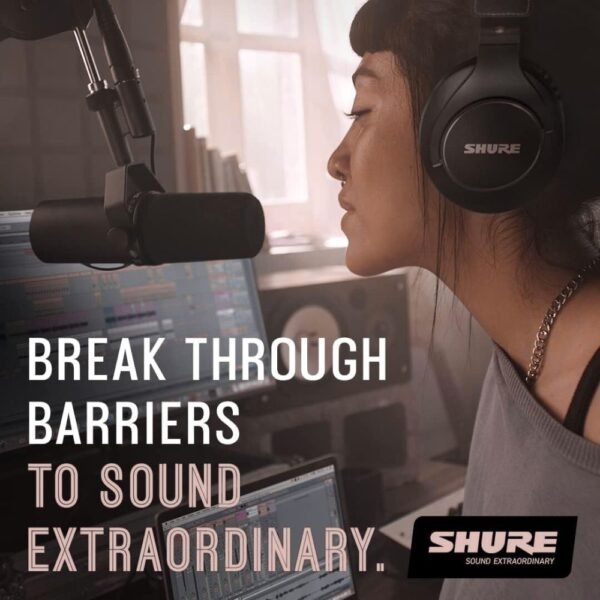
$439.00
Sound professional in every recording. The Shure SM7B is the microphone we use and recommend for every podcast, video, and voice-over. Its clarity, warmth, and noise isolation make it the standard for serious creators.
- Smooth, natural tone for voice and music
- Built-in pop filter for clean, focused sound
- Air suspension shock isolation prevents vibration noise
- XLR connection for full audio control
- Durable, studio-grade construction
Trusted by leading creators and educators, this mic brings studio-quality sound to every workspace. It’s the tool you can depend on to sound confident, clear, and fully in control of your craft.
-
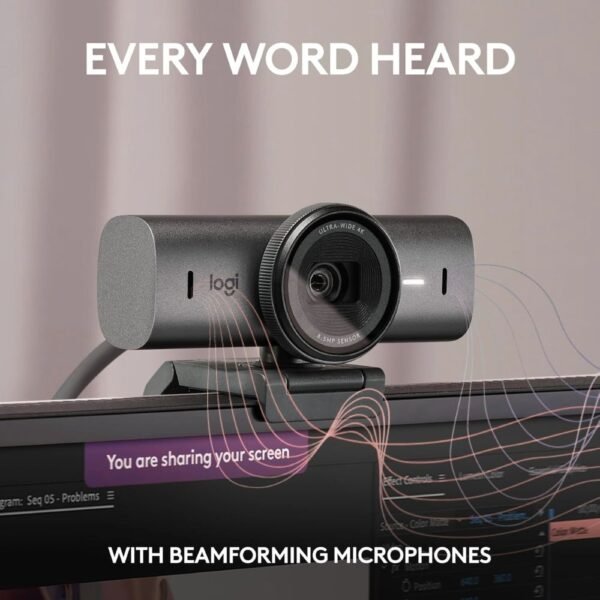
$179.99
Look sharp and sound clear in every lesson, call, or live session. The Logitech MX Brio is the 4K webcam we use and recommend for professional-quality video that performs flawlessly in any lighting.
- Ultra HD 4K resolution at 30fps or 1080p at 60fps
- AI-enhanced image clarity and auto lighting adjustment
- Dual noise-reducing microphones for clean audio
- Built-in privacy cover for peace of mind
- Certified for Zoom, Teams, and Google Meet
This webcam turns every recording into a crisp, confident presentation that reflects your best work. It’s simple to set up, reliable for daily use, and powerful enough for live teaching and recorded courses. You’ll look polished and professional from the very first frame.
-
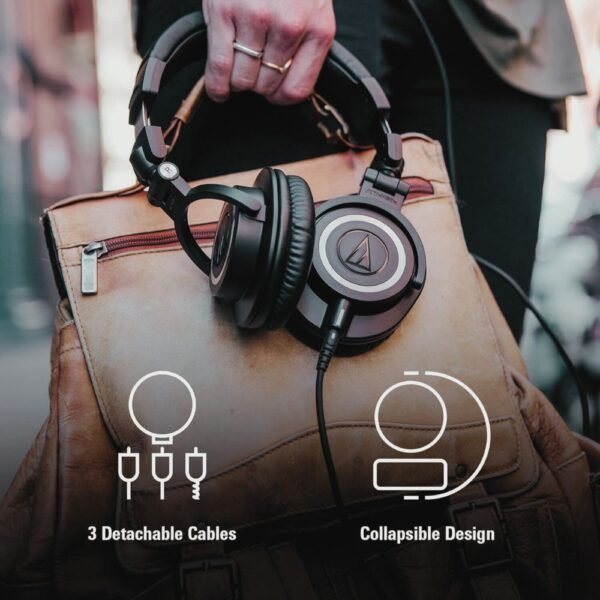
$159.00
Hear every detail in your recordings and edits. The Audio-Technica ATH-M50x headphones are the studio monitors we use and recommend for course creation, mixing, and content editing. Their balanced sound and long-wear comfort make them a reliable essential for any workspace.
- 45 mm large-aperture drivers for accurate, powerful audio
- Extended frequency range with deep, clean bass
- Closed-back design blocks external noise
- 90-degree swiveling earcups for one-ear monitoring
- Detachable cables and cushioned headband for lasting comfort
These headphones deliver consistent, professional sound across every project. They are comfortable for long sessions, durable enough for travel, and clear enough to trust in every mix.
-
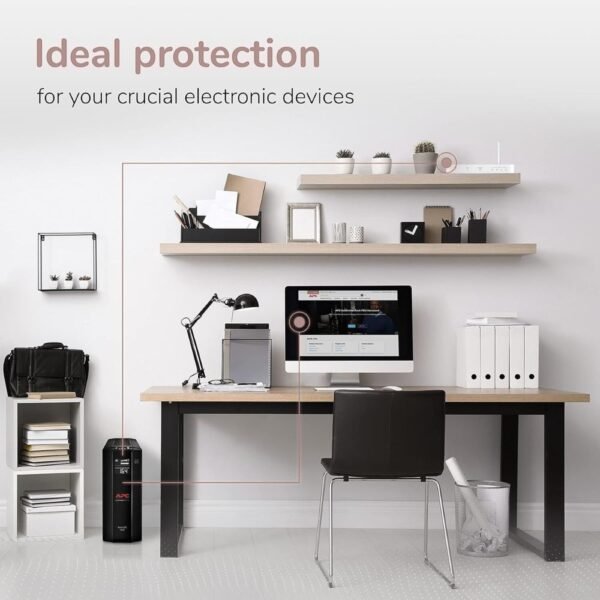
$189.99
This is the power protection system we use and recommend. It delivers consistent voltage, surge protection, and enough backup time to save your work safely.
- 1500VA / 900W uninterruptible power supply for high-power devices
- Ten outlets with five surge-only and five battery backup
- Automatic Voltage Regulation for steady performance
- 1 GB network dataline protection for connected devices
- Replaceable battery and Energy Star certification
We’ve learned the hard way what lost files feel like — and we don’t want you to go through that. This UPS keeps your setup running smoothly when power drops so your work and peace of mind stay protected.
-
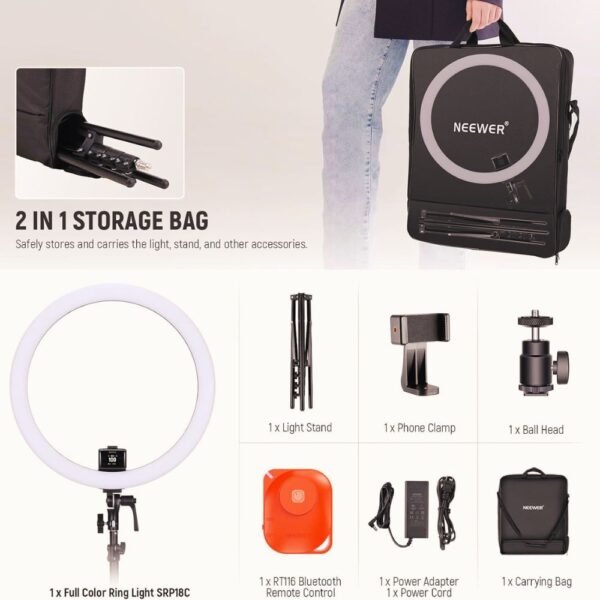
$129.99
Light every video, class, and photo with clarity and control. This Ring Light Kit is the lighting system we use and recommend for professional-looking recordings, live sessions, and product demos. Its adjustable color, app control, and sturdy design make it an all-in-one lighting upgrade for creators.
- 18″ ring light with 864 high-quality LEDs
- Adjustable color temperature from 2500K–10000K
- RGB mode with 360° color options and 18 FX scene effects
- Bluetooth and manual control for flexible operation
- Reversible aluminum stand that folds for travel
This ring light provides even, flattering illumination that elevates every video. It’s simple to adjust, built to last, and powerful enough for any teaching or recording setup.
-
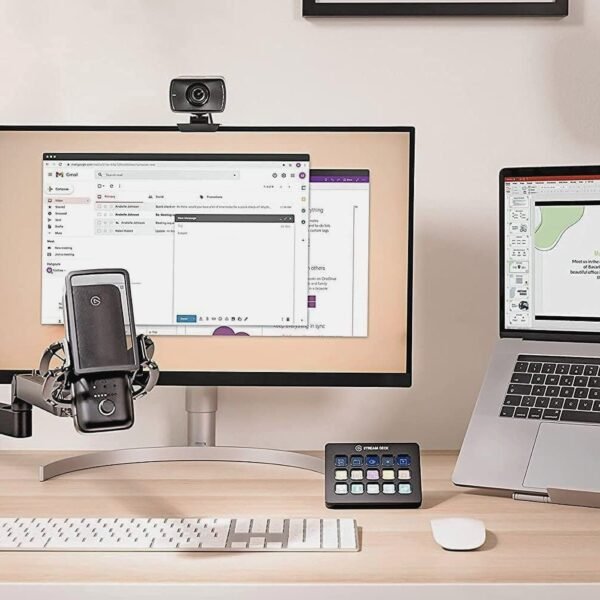
$94.99
Keep your mic steady, your cables organized, and your workspace clean. The Elgato Wave Mic Arm is the adjustable boom arm we use and recommend for professional setups that look sharp on-camera and feel effortless to use. Its sleek design and smooth movement make it a must-have for creators who value both form and function.
- All-metal construction for strength and stability
- Low-profile design for an open, unobstructed view
- Hidden magnetic cable channels for a clutter-free desk
- Full 360-degree horizontal and 90-degree vertical rotation
- Long 29-inch reach to cover large work areas
This mic arm gives you precision placement and lasting durability. It stays quiet, holds position perfectly, and keeps every recording space looking professional.
-
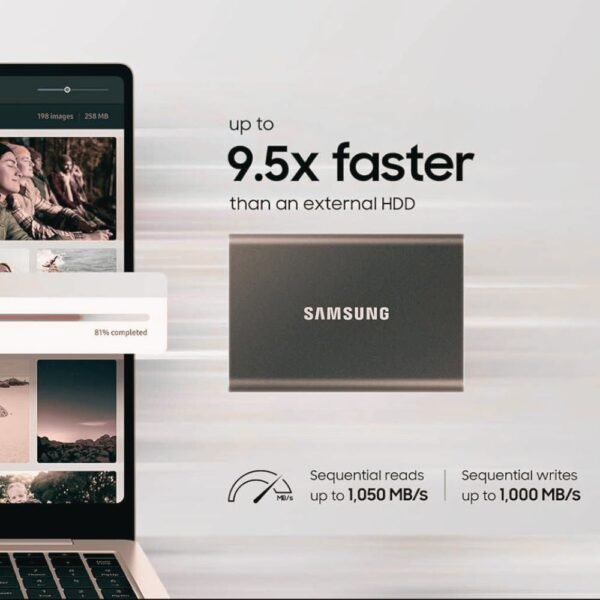
$149.99
Store, back up, and transfer your creative work instantly. The Samsung T7 Portable SSD is the external drive we use and recommend for fast, secure storage that keeps up with every project. It’s compact, dependable, and built for creators who work across multiple devices.
- 2 TB storage capacity in a slim aluminum body
- Up to 1050 MB/s read and 1000 MB/s write speeds
- 256-bit AES hardware encryption for data protection
- Shock-resistant design with thermal control
- Works with PC, Mac, tablets, and smartphones
This SSD gives you the freedom to create and share without limits. It transfers large video files in seconds, travels easily, and protects your content wherever your work takes you.
-

$20.49
Turn clutter into calm. This Desk Caddy is the organizer we use and recommend for keeping creative workspaces neat, accessible, and visually inspiring. It’s sturdy, functional, and stylish enough to make everyday tools feel intentional.
- Eight compartments for pens, notes, and small supplies
- Slide-out drawer for paper clips, sticky tabs, or adapters
- Durable metal construction with a sleek gold finish
- Compact 9-inch design fits any desk or workspace
This desk caddy keeps essentials within reach so your workspace stays clear and focused. It’s practical design meets modern simplicity. Made for creators who work smarter when everything has its place.
-
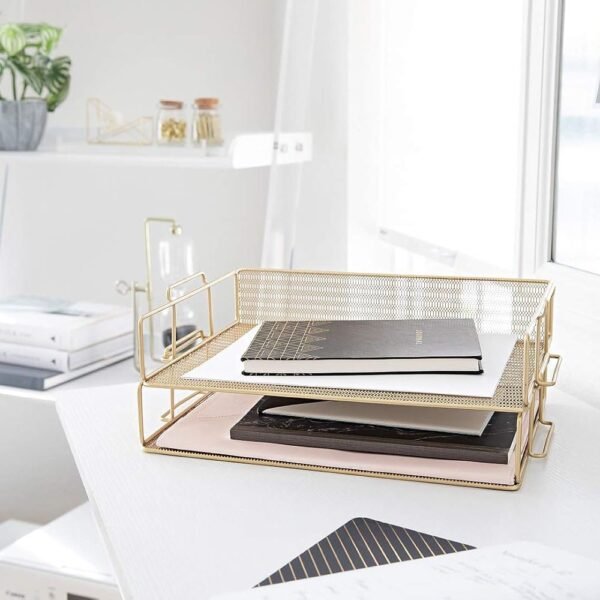
$26.99
Stackable Paper Trays are the file organizers we use and recommend for maintaining a clean, functional desk. Their sturdy build and elegant design help you sort documents efficiently while keeping your setup visually cohesive.
- Set of two gold metal mesh trays for letters and documents
- Stackable or standalone design for flexible use
- Durable steel construction with smooth gold finish
- Large 14-inch size fits papers, folders, and notebooks
These trays turn paper piles into order. They’re simple, durable, and polished — ideal for creators, educators, or anyone managing projects and course materials from a single workspace.
-

$35.99
Keep papers upright, visible, and easy to grab. These Magazine File Holders are the organizers we use and recommend for sorting projects, notes, and folders without cluttering your desk. They’re lightweight, foldable, and built for creators who want every idea within reach.
- Set of four foldable file holders in gold finish
- Stores magazines, folders, and course materials
- Durable cardboard construction with reinforced edges
- Easy to assemble, fold, and move between work areas
- Stylish design that coordinates with other BLU MONACO pieces
These file holders keep projects organized by category or client so you can stay focused and visually clear. They make it easy to see what’s next and find what you need instantly.
-

$40.99
Bring order and style to your workspace with one cohesive set. This Desk Accessories Set is the five-piece collection we use and recommend for creating a polished, productive environment that feels as inspiring as it looks. It’s elegant, durable, and designed for creators who want every tool in its place.
- Includes letter tray, hanging file holder, magazine rack, pen cup, and sticky note holder
- Durable metal construction with a smooth gold finish
- Functional pieces that keep files, notes, and tools within reach
- Adds cohesive design and structure to any workspace
This set simplifies organization without sacrificing aesthetics. It helps you design a workspace that looks unified, functions efficiently, and supports your daily creative routine.
-
$15.00
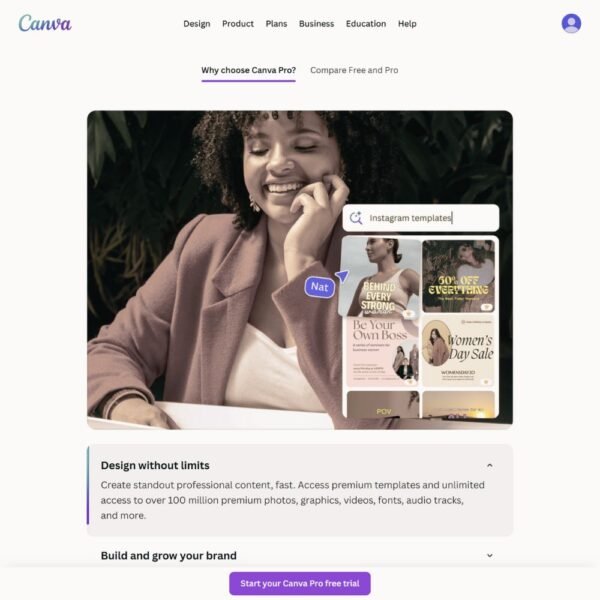
Canva Pro is the design tool we use and recommend for creating course visuals that connect with students and elevate your brand. It’s fast, intuitive, and built for creators who want professional design without complexity.
- Create slides, thumbnails, and lead magnets
- Access 100M+ photos, videos, and templates
- Use Brand Kits for fonts, colors, and logos
- Resize instantly for social, print, or web
- Export in any format or schedule to post
Canva Pro turns creative ideas into finished designs in minutes. You can build every visual your course needs without hiring a designer or learning complicated software.
-
$35.00
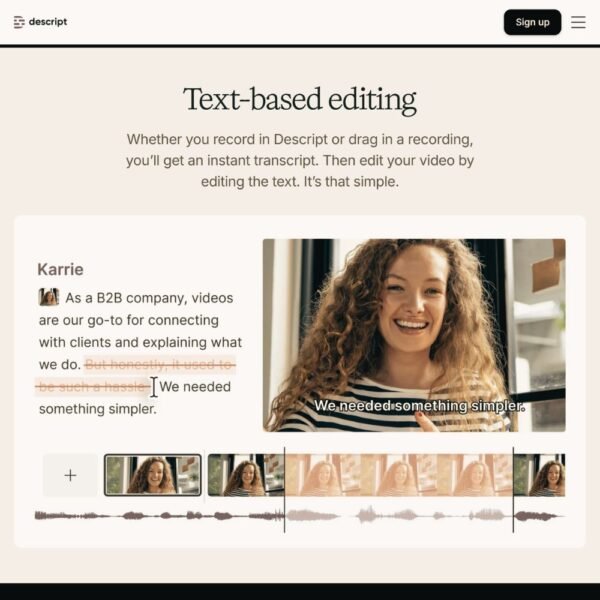
Edit your lessons as easily as editing text. Descript is the AI-powered audio and video editor we use and recommend for cleaning up lessons, adding captions, and creating professional clips fast. It combines precision editing with automatic transcription to save hours of production time.
- Edit by deleting words from the transcript
- Remove filler words and silence automatically
- Add captions, music, and transitions in one place
- Export clips for reels, previews, or promo posts
- Collaborate and comment directly in the app
Descript gives creators full control over their lessons without complicated timelines. You can record, edit, and publish with clarity and confidence — no advanced editing experience required.
-

$10.00
Record professional lessons and tutorials without a studio setup. ScreenPal is the screen recorder and video editor we use and recommend for creating course videos, walkthroughs, and product demos. It’s simple, reliable, and built for creators who want to teach without tech overwhelm.
- Record screen, webcam, or both simultaneously
- Trim, cut, and edit without complex software
- Add captions, music, or overlays in minutes
- Export to multiple formats or upload directly
- Store videos safely in the cloud or on your device
ScreenPal makes recording and editing straightforward. You can capture lessons, explain concepts visually, and polish each video quickly so you can focus on teaching, not tech.
-
$29.99
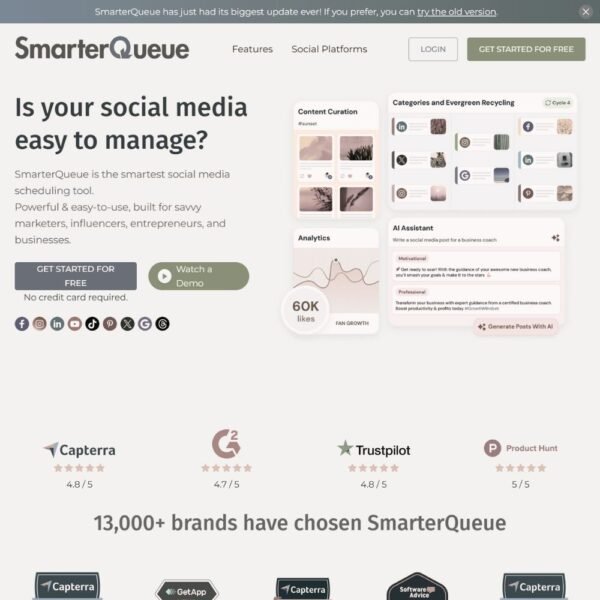
SmarterQueue is the social scheduler we use and recommend for creators who want to grow their audience and promote their courses efficiently. It automates posting, recycles evergreen content, and keeps your message active across every platform.
- Schedule posts to all major social platforms
- Reuse and repurpose evergreen content automatically
- Preview and organize posts with an easy visual calendar
- Track analytics to see what engages your audience
- Store captions, hashtags, and media for future use
SmarterQueue helps you build momentum between launches. It keeps your audience engaged, your message consistent, and your time focused on creating — not constant posting.
