
ScreenPal Screen Recorder
$10.00
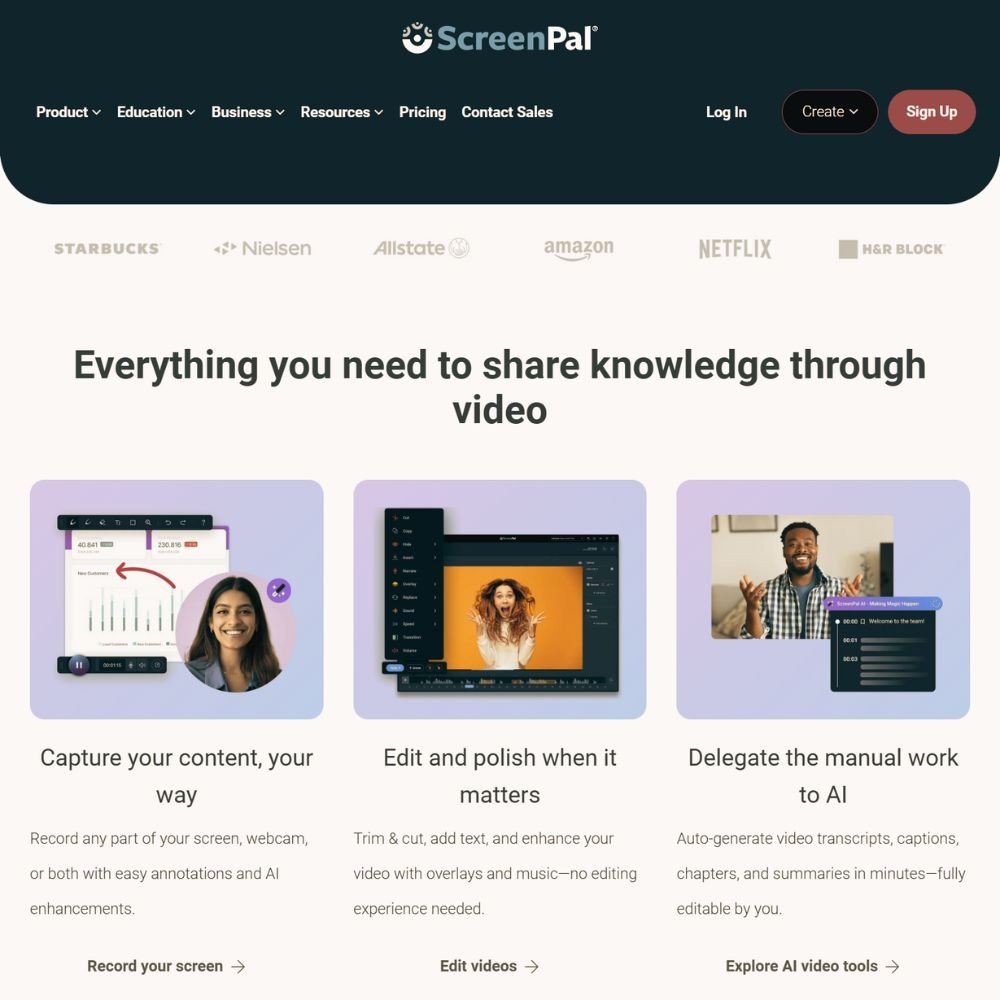
Record professional lessons and tutorials without a studio setup. ScreenPal is the screen recorder and video editor we use and recommend for creating course videos, walkthroughs, and product demos. It’s simple, reliable, and built for creators who want to teach without tech overwhelm.
- Record screen, webcam, or both simultaneously
- Trim, cut, and edit without complex software
- Add captions, music, or overlays in minutes
- Export to multiple formats or upload directly
- Store videos safely in the cloud or on your device
ScreenPal makes recording and editing straightforward. You can capture lessons, explain concepts visually, and polish each video quickly so you can focus on teaching, not tech.
Description
ScreenPal helps creators record and edit course content without expensive tools or a steep learning curve. You can capture everything from software tutorials to lesson introductions using your screen, webcam, or both at once. The clean interface and one-click recording make it easy to start creating immediately.
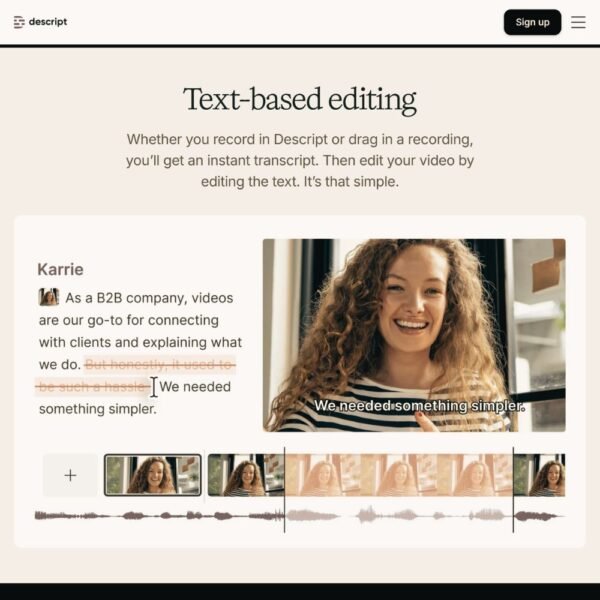
Built-in editing tools let you trim clips, add text, and insert transitions directly in the app. You can even caption your videos automatically or record narration separately for added polish. It’s ideal for instructors, coaches, and educators who want consistent, professional video lessons that don’t take days to edit.
Whether you’re filming from your laptop or desktop, ScreenPal keeps the process simple and efficient so your ideas come through clearly.
How It Helps
High-quality lessons don’t require complicated software. With ScreenPal, you can record your screen to demonstrate workflows, software tools, or step-by-step tutorials that your students can easily follow.
You can edit within minutes — no exporting between programs — and share directly to YouTube, your website, or your course platform. The cloud backup feature means your work stays safe and accessible anywhere you go.
For creators who want professional video results without spending hours learning technical tools, ScreenPal is the perfect middle ground between ease and quality.
What’s Inside
Everything you need to record, edit, and publish course videos.
- Screen and webcam recording with built-in microphone capture.
- Simple editing tools for trimming, overlays, and transitions.
- Automatic captions and background noise removal.
- Cloud hosting and local download options.
- Direct publishing to YouTube, Vimeo, or Google Drive.
We recommend ScreenPal because it’s the same tool we use to record our lessons and demos. It keeps our process fast, flexible, and frustration-free.
More Resources
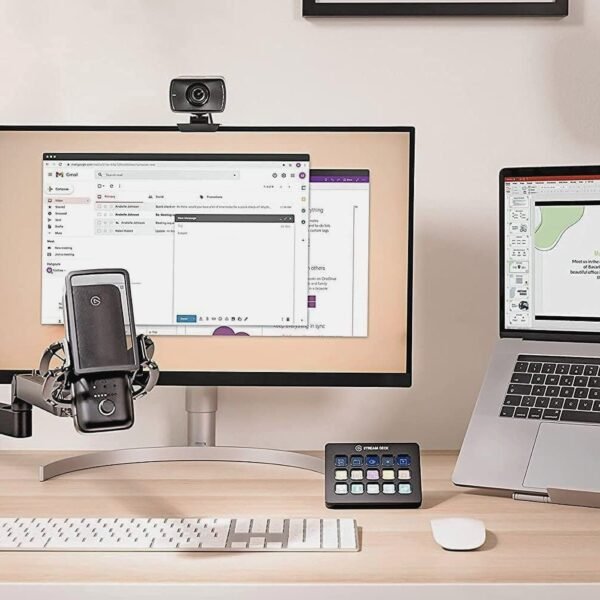
Your videos deserve the same dependable tools we use behind the scenes. Want to see what other tools make course creation easier? Browse the Shop for tested gear and software that saves time and delivers consistent results.
Then head over to the LMS Platform Directory to explore your next step — hosting, selling, and managing courses all in one place.
Reviews
There are no reviews yet.