
Canva Pro for Creators
$15.00
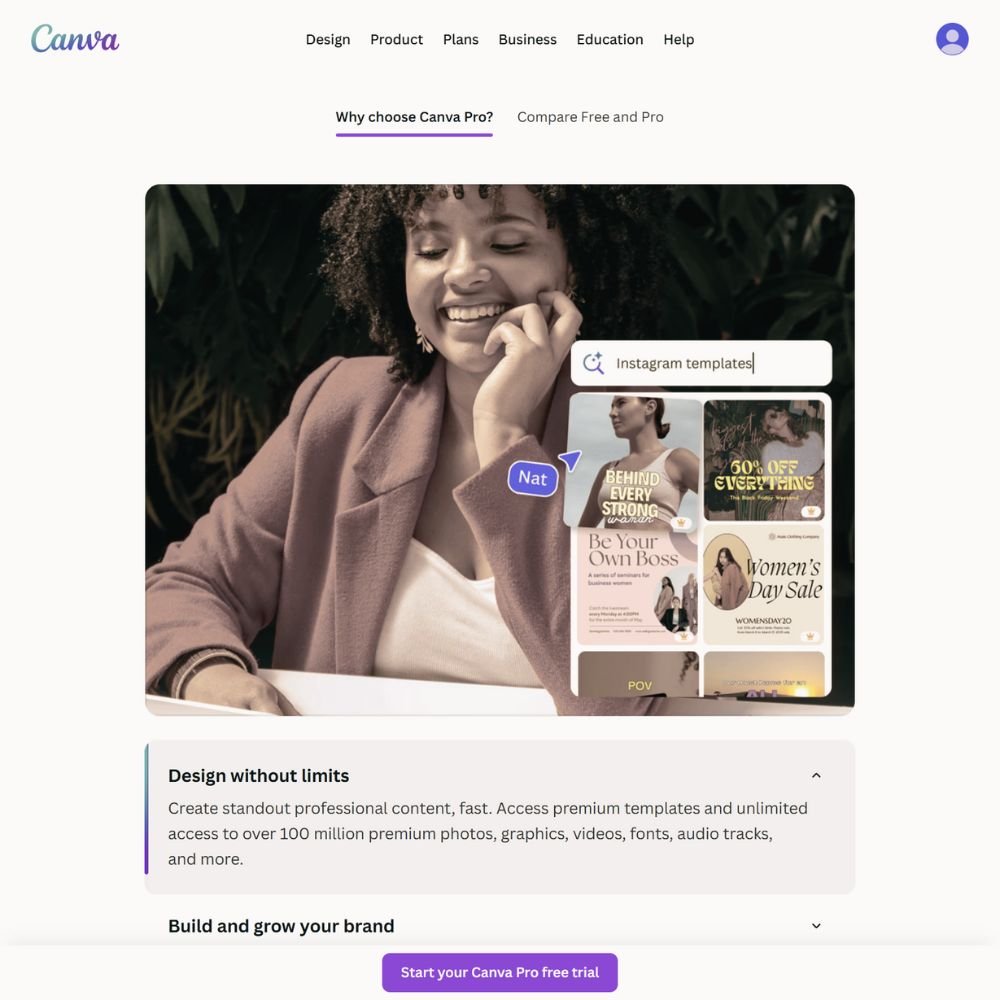
Canva Pro is the design tool we use and recommend for creating course visuals that connect with students and elevate your brand. It’s fast, intuitive, and built for creators who want professional design without complexity.
- Create slides, thumbnails, and lead magnets
- Access 100M+ photos, videos, and templates
- Use Brand Kits for fonts, colors, and logos
- Resize instantly for social, print, or web
- Export in any format or schedule to post
Canva Pro turns creative ideas into finished designs in minutes. You can build every visual your course needs without hiring a designer or learning complicated software.
Description
Transform ideas into visuals that stand out. It’s built for non-designers who still want their brand to look cohesive and professional across lessons, workbooks, and marketing materials.
You can design course slides, downloadable PDFs, and promotional graphics from a single dashboard. Brand Kits make it easy to apply your fonts and colors to every template so your visuals match from course to course.
It’s cloud-based, so you can start designing on your laptop and finish on your phone. Collaboration tools make sharing with editors or assistants seamless. Canva Pro helps you stay consistent, creative, and visually confident in everything you produce.
How It Helps
Strong visuals build trust and keep students engaged. With Canva Pro, you can design clean, professional slides that make lessons easier to follow. You can also create thumbnails, worksheets, and banners that give your course a polished, recognizable identity.
The built-in resizing tool lets you turn a single design into multiple formats — one click converts a course slide into an Instagram post or PDF cover. Templates save time while still letting you customize everything to fit your brand voice.
For creators balancing content and design, Canva Pro makes every visual step of course creation faster, simpler, and more professional.
What’s Inside
Everything you need for professional branding and lesson design.
- Unlimited access to premium templates and assets.
- Brand Kits for colors, fonts, and logos.
- Background remover, Magic Resize, and smart templates.
- Folders and cloud storage for easy organization.
- Built-in scheduling for social and content posts.
We recommend Canva Pro because it’s the same tool we use to design every Training Toolbox guide, slide, and resource. It keeps our visuals consistent and our workflow effortless.
More Resources
Great visuals deserve the right tools to share them. Visit the Shop for creator-tested resources we use daily to record, edit, and produce online courses. Each one is selected to help you work efficiently and deliver high-quality content.
When your visuals are ready, explore our LMS Platform Directory to find the online course system that presents them beautifully. You’ll find clear comparisons that help you choose a platform aligned with your brand and teaching style.


Reviews
There are no reviews yet.